How do I refine or expand my content idea after applying?
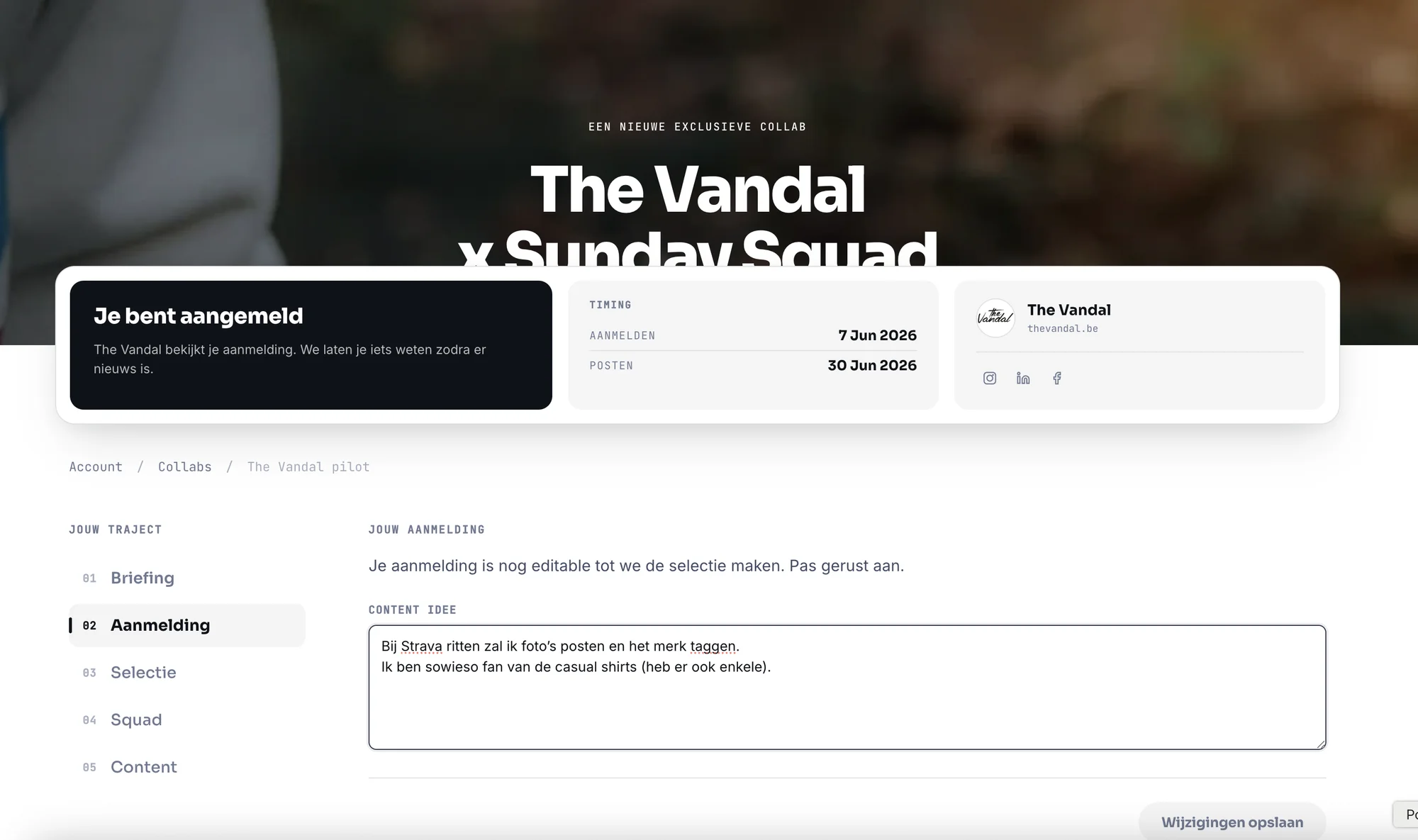
Through your account, in a few clicks — and you can keep updating it until we make the selection.
How to do it
- Log in to your account.
- Open the collab you applied for, under Collabs.
- Go to Application and edit or expand the Content idea field.
- Click Save changes.
- Wait for the selection — or keep refining your idea until then.
Before selection, your content idea is exactly what we and the brand pick you on, so tweaking it pays off. Keep it concrete (what, where, which format), show it fits the brand, and say why you.
An example
Too vague
"I'll post something."
No format, no place, no link to the brand.
Sharp
"A reel from my Saturday long run along the Scheldt, plus a story after 30 km."
What, where and format — clear right away.
Already selected? You can still adjust your idea, as long as your content stays within the briefing. A vague idea costs you nothing, but it convinces no one either — the sharper you make it, the easier we see you fitting the right squad.
Was this answer helpful?
Thanks for your feedback.
Also searched for
- how do i refine my content idea
- can i change my content idea
- expand content idea after applying
- improve my idea for the collab
- what should my content idea include